
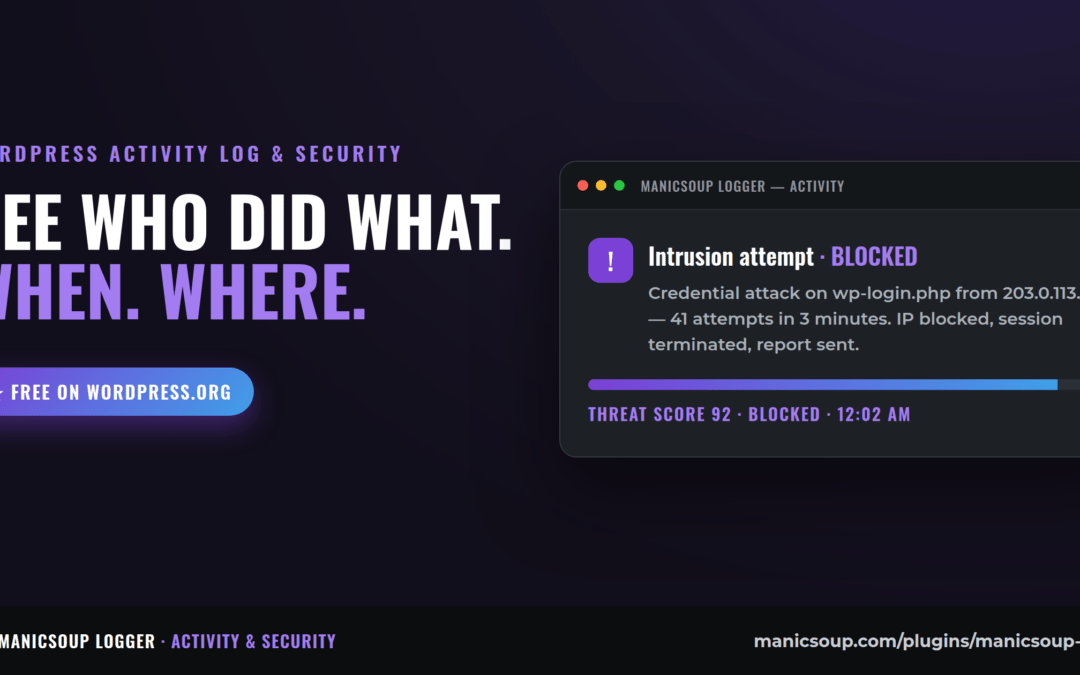
An activity log answers the question every site owner eventually asks: "who changed that, and when?" Logins, content edits, plugin updates, settings changes, new users — a good log records all of it, quietly, so the day something looks wrong you have receipts instead of guesses. Here's what a log actually tells you, with real situations it has untangled.
The questions a log answers in seconds
- "Why does the homepage look different?" — Content edit, 2:14pm Tuesday, by the intern's account. Not a hack. Exhale.
- "When did checkout stop working?" — Right after a payment plugin auto-updated Thursday 3am. Now you know what to roll back.
- "Is someone trying to get in?" — 400 failed logins on 'admin' from one IP overnight. Time to block and tighten.
- "Did we get hacked, or did we break it ourselves?" — The most valuable answer of all, because the responses are completely different.
Why WordPress doesn't do this out of the box
WordPress records almost nothing about its own history — no login trail, no record of who edited what settings, no memory of what updated when. It's a blank box with amnesia. Hosts log server requests, but server logs can't tell you which human clicked which button in wp-admin. That layer has to come from a plugin.
What should a good activity log include?
Four things separate a real logging tool from a checkbox feature: coverage (logins, content, users, plugins/themes, settings, and system events — not just posts), context (who, from what IP, in what session), retention you control (your data, on your server, not a 30-day SaaS window), and alerting (the log should come to you when something unusual happens, not wait to be read).
That list is the design spec for ManicSoup Logger — self-hosted activity logging with security analytics, session management, reports, and alerts. It exists because I wanted the answers above on my own sites without renting them from a subscription dashboard.
Frequently asked questions
Does activity logging slow a site down?
Logging happens on admin-side events, not on visitor page loads, so a well-built logger has no front-end cost. The database table grows, which is why retention controls and cleanup matter.
Is an activity log overkill for a small site?
A one-person site with no changes worth tracking can skip it. The moment a second person can log in — a VA, a developer, a co-owner — you want history. And any site that takes money should treat a login trail as non-negotiable.
Log first or security plugin first?
They're different jobs: a firewall tries to stop bad things, a log tells you what actually happened. In practice the log is what turns "I think something's wrong" into a specific, fixable fact — I'd never run a client site without one.