
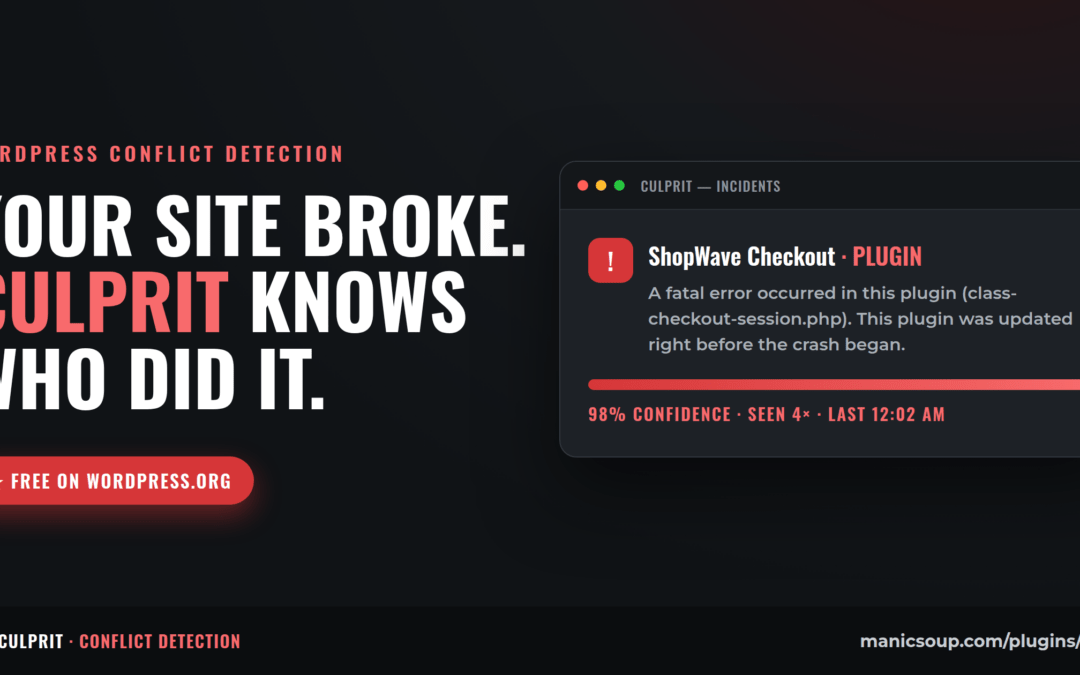
Culprit exists because WordPress breaks silently. When a site white-screens after an update, WordPress tells you almost nothing — no name, no cause, no trail. Culprit is a small plugin that catches the fatal error, names the plugin or theme that caused it, and explains what changed. Here's the story of why I built it.
The 11pm update that started it
Every WordPress developer has lived this night. You run a routine batch of plugin updates before bed. You refresh the site to admire your diligence, and instead you get a blank white page. No error, no hint, no mercy. The admin is gone too. Somewhere in the twelve things that just updated, one of them is the culprit — and WordPress has no intention of telling you which.
The standard advice is archaeology: connect over FTP, rename the plugins folder, reactivate plugins one at a time like you're defusing a bomb with oven mitts on. It works, eventually. It's also absurd that in 2026 the world's most popular CMS still makes you do it.
What I actually wanted that night
I didn't want a debugging framework. I didn't want to enable WP_DEBUG and read a stack trace over coffee. I wanted one sentence: "Fatal error caused by [plugin name], version X, updated 4 minutes ago." A name. A time. What changed. That sentence didn't exist, so I spent a few months building the thing that says it.
What does Culprit actually do?
Culprit watches for fatal errors and white screens, captures the moment they happen, and correlates them with what changed on the site — updates, activations, new installs. When something breaks, it opens an incident: the error, the file it happened in, which plugin or theme owns that file, and what changed recently. Instead of a blank page and a prayer, you get a suspect with a motive.
- It names the plugin or theme that caused the crash — not just the error string.
- It connects the crash to what changed: "this started right after X updated."
- It keeps an incident history, so intermittent problems stop being folklore.
Why "focused plugins, built honestly" is the whole philosophy
ManicSoup Labs builds small tools that do one job completely, instead of suites that do forty jobs adequately. Culprit doesn't also optimize your images or sell you a page builder. It answers one question — what broke my site? — and answers it well. That focus is the product.
Frequently asked questions
Does Culprit slow my site down?
No. Culprit sits idle until something goes wrong. Error capture uses WordPress's own shutdown handling; there's no polling and no front-end footprint.
Will it work if my admin is already white-screened?
That's the exact scenario it's built for. Culprit records the incident at crash time, and its recovery flow is designed to survive the crash it's reporting on.
Where can I try it?
There's a full product page here with a live demo, and the plugin is built and supported by me — if a support thread goes up, I'm the one answering it.